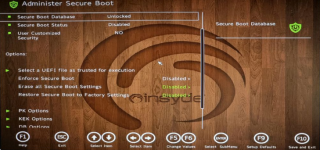
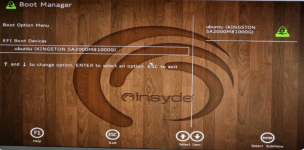
Making the wrong changes in the BIOS or EFI can kill the Operating System. I'd try setting it back to it's Defaults. If that doesn't work the CMOS battery may have to be removed [also unplug any other power] for a few minutes to drain any residual power which will reset the BIOS to as-shipped, any User changes will not be saved.
Hi Bighorn, thanks for the advice. I set the BIOS back to its defaults, but i’m still having trouble. i also tried removing the CMOS battery and unplugging the power, but that didn’t resolve the issue either.
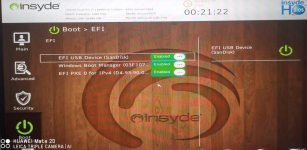
It looks like the Windows Boot Manager is still missing. Do you have any other suggestions or should i consider reinstalling Windows?
You cannot delete Windows Boot Manager option from BIOS .. else it may have been removed from booting priority and wat is your mainboard make and model?
Try play around in the MAIN / Advanced .. it should be somewhere there but hidden