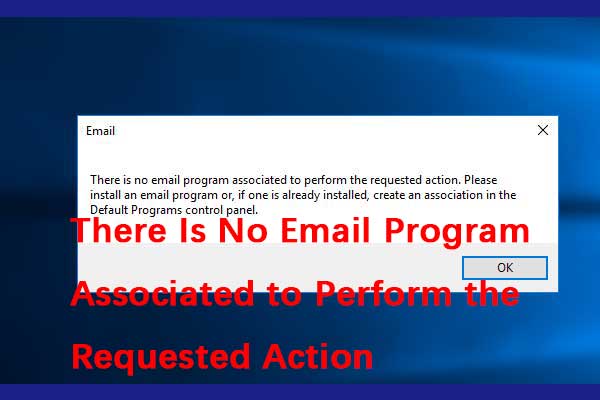
Send to Mail recipient problem

dona

Well-known member
Joined
Nov 21, 2021
Messages
49
Reaction score
5
When I am in File Explorer, right click on a file and choose Show more options, than Send to and than Mail recipient, instead of opening Mail app with that file attached it says that "There is no email program associated to perform the action"
 

Xploit Machine

私の人生の中で孤独な旅人
Administrator
Joined
Nov 29, 2022
Messages
1,354
Reaction score
121
When I am in File Explorer, right click on a file and choose Show more options, than Send to and than Mail recipient, instead of opening Mail app with that file attached it says that "There is no email program associated to perform the action"

SETTINGS - APPS -> Default Apps and choose MAIL, select the installed email application in your Windows :)
 

Vote:

dona

Well-known member
Joined
Nov 21, 2021
Messages
49
Reaction score
5
SETTINGS - APPS -> Default Apps and choose MAIL, select the installed email application in your Windows :)
Already done this, not working. I have found on a web site that the Mail app can not handle this function, if I want to have a file sent with Send to mail recipient from File Explorer I have to install and use another mail client application
 

Vote:

dona

Well-known member
Joined
Nov 21, 2021
Messages
49
Reaction score
5
I have also found a kind of an workaround : right click the file I want to sent as attachment and choose share, than the Mail app
We always have to do it the hard way with Microsoft !
 

Vote:
Top