Windows 11 24H2 has now been offered to my Computers via WU

Grizzly

Well-known member
Joined
Jun 9, 2021
Messages
343
Reaction score
104
Well, my Laptop is finally getting the Windows 11 24H2 "feature" update. It is currently downloading and installing. As a precaution I have clone the whole drive onto an external drive (same brand and size). If I do not like 24H2, I can always swap the drives and will be up and running again.
Will see, what will happen. I know one thing that the Copilot will be disabled/uninstalled.
 

Grizzly

Well-known member
Joined
Jun 9, 2021
Messages
343
Reaction score
104
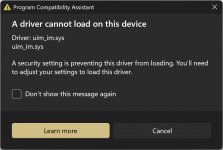
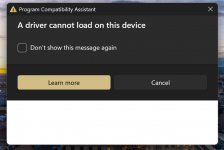
Well, I got greeted after the first restart with this:

2024-12-13_174408.jpg

Then, after a second restart with this (a little more informative):

2024-12-13_174553.jpg

Researching that file lead me to my HDD manager which actually works just fine w/o problems.

I also have noticed that the location icon is now constantly in the taskbar and cannot switched off. I can live with that.

Other than this I have not discovered anything out of the ordinary yet......
 

Xploit Machine

私の人生の中で孤独な旅人
Administrator
Joined
Nov 29, 2022
Messages
1,327
Reaction score
119
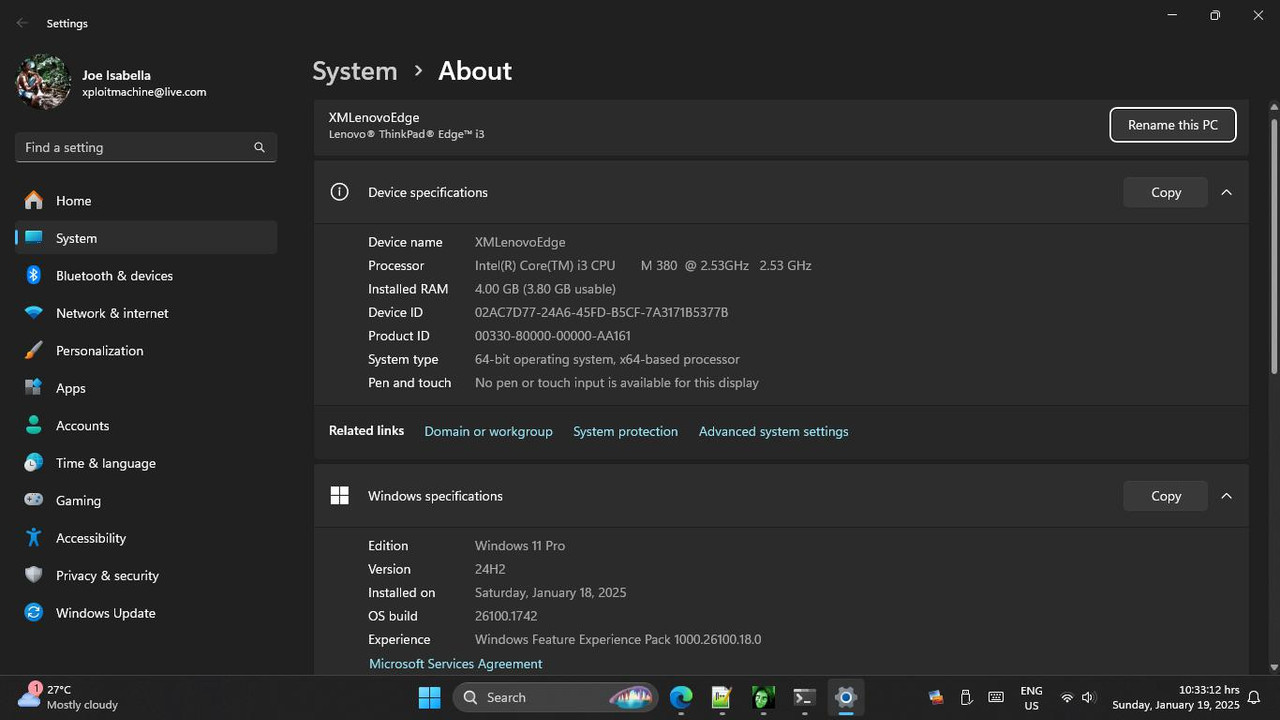
Waited for 24H2 autoatic upgrade, but never happened .. so I planned to upgrade manually ia original ISO to see whats with the 24H2 that many people are complaining about .. yes WordPad is dead now :(

No new applications (except DevHome which later I uninstalled it) added since I did in-place upgrade 23H2 to 24H2 manually .. Let's investigate the 24H2 issue and problems :D

Will remove later all foreign languages except en-GB and en-US .. because those are taking up spaces unncecessarily, Defender & Security Health permanently removed, including Edge SmartScreen feature :)

Screenshot-477.jpg

OS Compression 1.4:1

Screenshot-478.jpg

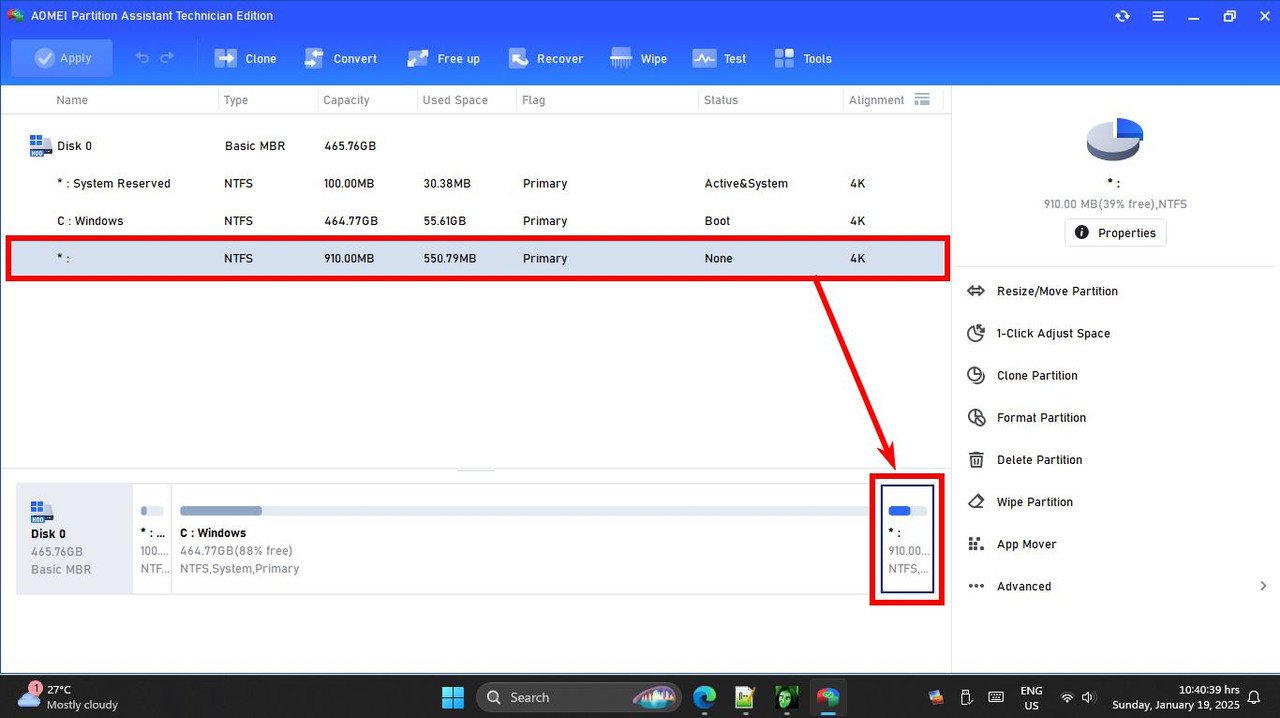
Partitions (Remains as previous 23H2)

Screenshot-479.jpg

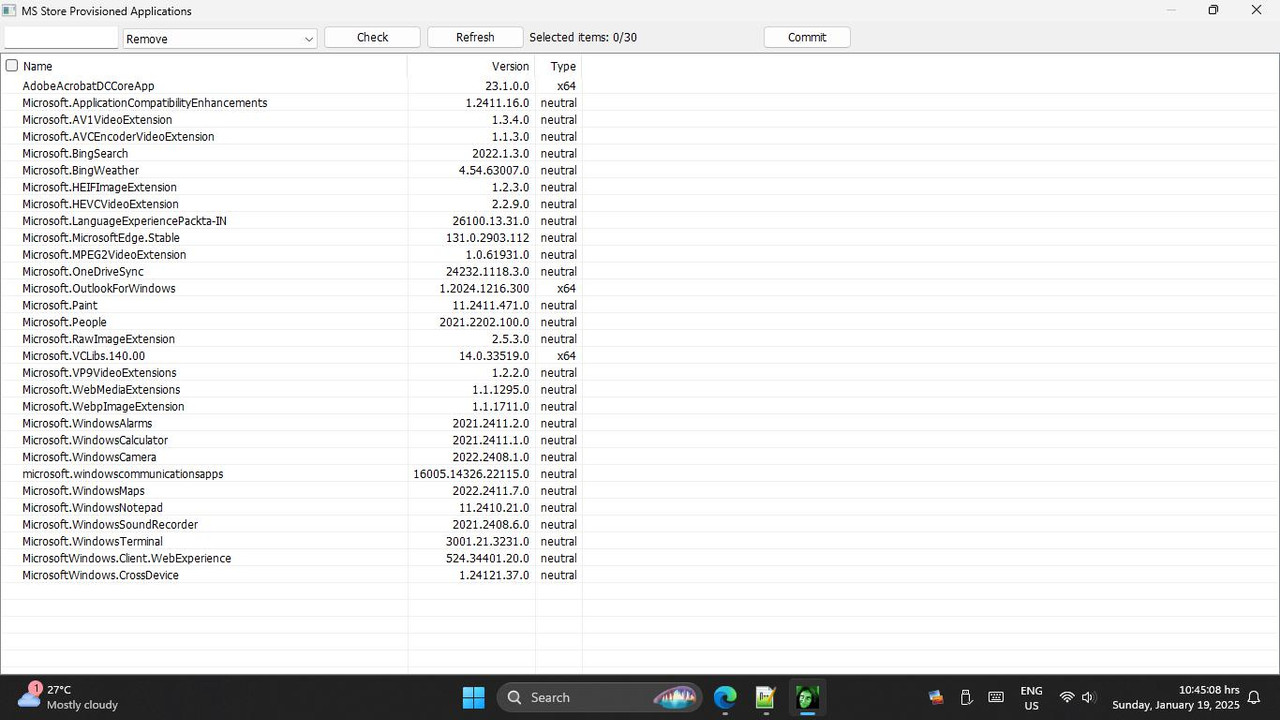
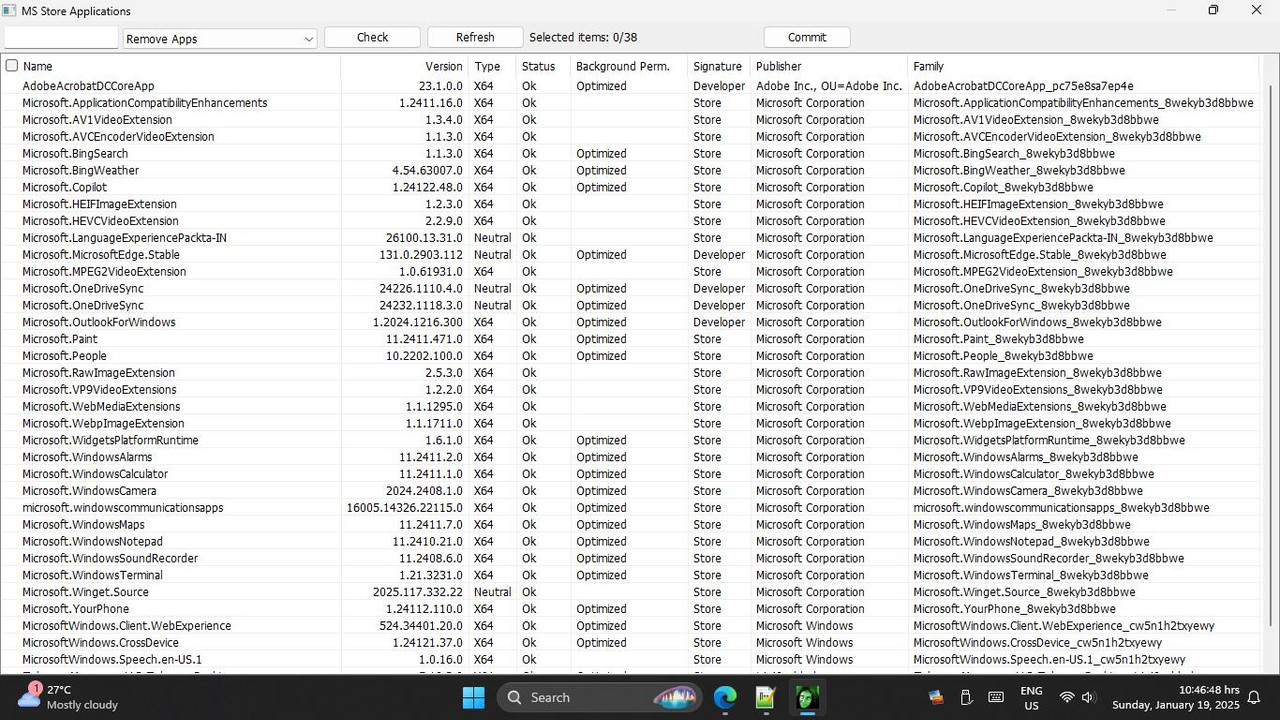
Provisioned Appx Currently Installed (After Removal Certain Unneeded Stuffs)

Screenshot-480.jpg

Other Aplications

Screenshot-481.jpg

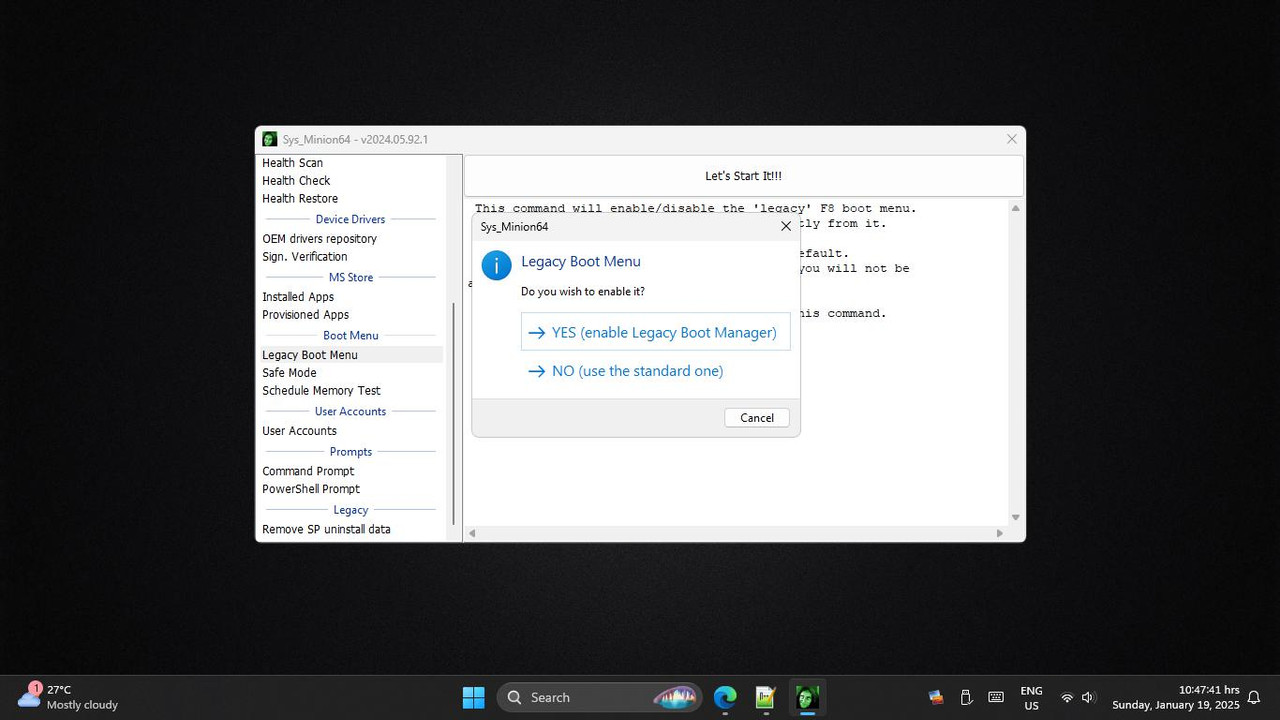
Re-Enable LEgacy Boot Menu (Easy GUI)

Screenshot-482.jpg
 

Grizzly

Well-known member
Joined
Jun 9, 2021
Messages
343
Reaction score
104
I still have Wordpad as I saved the folder before upgrading then copied it back in its old place a pinned it to start... works 100%
 

Ask a Question

Want to reply to this thread or ask your own question?

You'll need to choose a username for the site, which only take a couple of moments. After that, you can post your question and our members will help you out.

Ask a Question

Top