Sorry I am guessing a bit.
What's the brand of your disks ?
Many diskmakers have specific tools to verify and repair their disks. I have Western Digital and their tool is called Dashboard:
https://support-en.wd.com/app/answe...al-dashboard-for-drive-performance-monitoring.
I was succesfull to repair a disk, which I thought was dead !
As you mention Windows update in your title (but not it the text of your contribution): did you try to rollback (or distinstall) the last update and do the install again ?
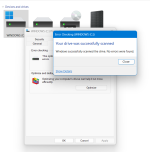
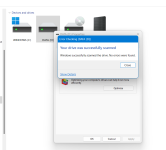
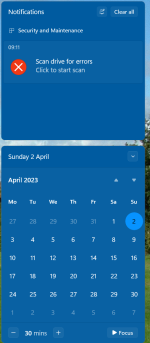
Edit: if I understand correctly from the pictures in your first contribution, you are running the tool in C:\Properties from within Windows. As far as I undestand this only scans for corrupted files and folders !
Try the cmd prompt as administrator and type "chkdsk /f" (or "chkdsk /r", doesn't matter, no quotation marks, but with the space). You need to do this for both disks (by changing to the other disk with "D:", and back with "C:"). For the disk on which you are, it will ask you to restart, and then run at startup. For the other disk, no restart needed !